

CPA Limit on FatAds: How to Launch
Published Feb 28, 2026 by FatAds team
Worried about overspending on unprofitable traffic? Now you don’t have to monitor campaigns 24/7. FatAds is introducing CPA Limit – a smart profitability protection tool.
What Is CPA Limit?
CPA Limit is an automated bidding strategy that uses machine learning to optimize ad campaigns for a specific, pre-set conversion cost.
Once activated, the system:
- Monitors your real CPA in real time;
- Automatically adjusts bids;
- Lowers bids for expensive, less converting traffic;
- Raises bids for high-performing traffic;
- Maximizes total conversions within your target CPA.
Instead of manually managing traffic sources, the algorithm dynamically reallocates spend toward segments that generate profitable conversions.
After receiving the first tracked conversion, the algorithm analyzes spend, conversion volume and rate, device and GEO data. Then it makes real-time bid adjustments.
How to Set CPA Limit in FatAds
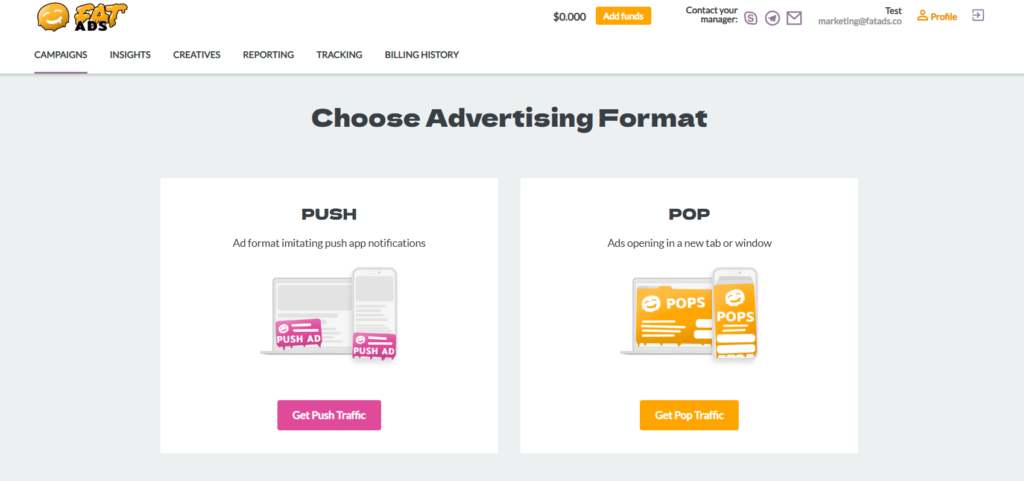
Step 1: Create a сampaign
Choose between Push or Pop advertising formats.
Step 2: Select “CPA Limit”
At the top of the page, under Optimization strategy, select “CPA Limit”.
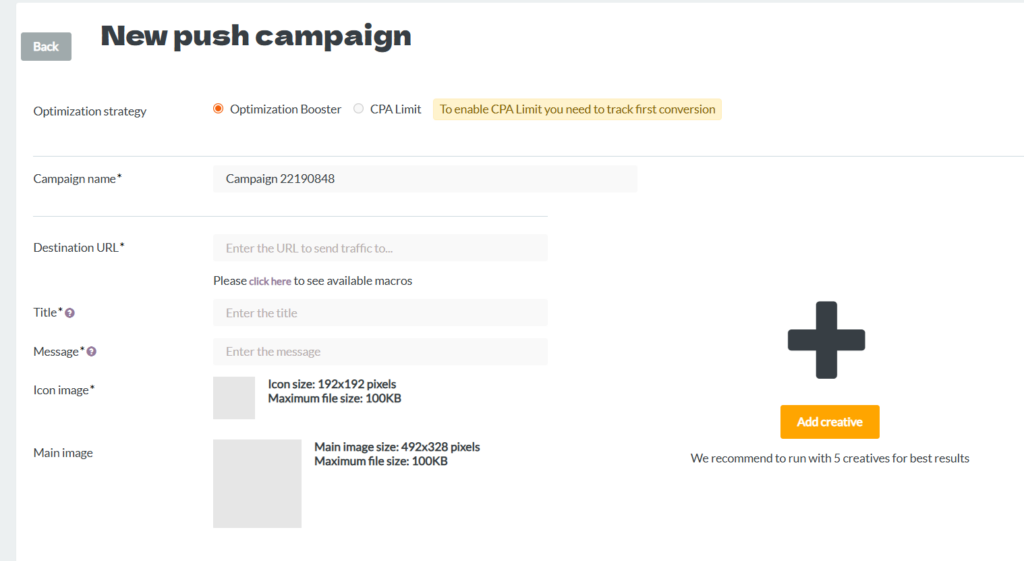
You will see a system notice: “To enable CPA Limit you need to track first conversion”. This means that CPA Limit becomes fully active after the first tracked conversion is received. Without conversion tracking, the algorithm cannot calculate CPA.
Step 3: Connect Conversion Tracking
Proper tracking allows the system to measure real CPA, detect high-performing traffic, and adjust bids correctly.
To connect Conversion Tracking, go to “Tracking” and choose one of the options.
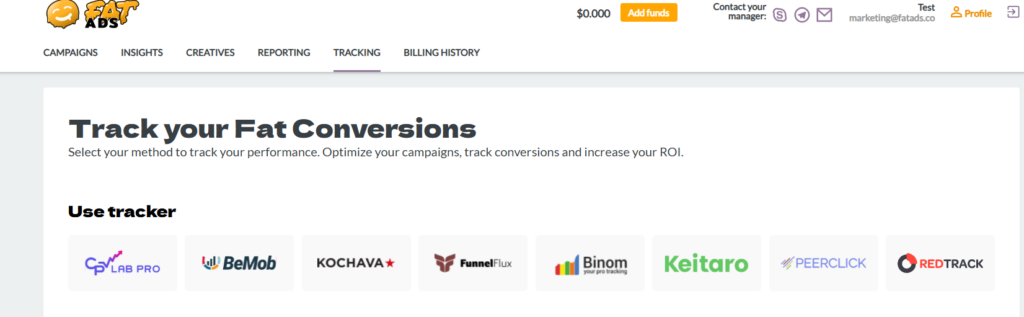
FatAds is officially integrated with 8 popular tracking platforms. You can use ready-to-go integration guides for RedTrack, CPV lab, Binom, Keitaro, BeMob, Kochava, FunnelFlux. The platform also supports integration with PeerClick tracker.
Find detailed tutorials on how to integrate trackers with FatAds advertising network here.
Step 4: Launch the Campaign
Click “Create a campaign”. Once the campaign receives its first conversion, CPA Limit activates and the system starts real-time bid recalculation. You don’t need to constantly monitor underperforming traffic – the system automatically keeps your CPA within the defined target as efficiently as possible.
As a result, you’ll get more profitable conversions, lower wasted spend, and automated scaling of high-value traffic.
CPA Limit is ideal for affiliate campaigns with fixed payout, strict ROI targets, and advertisers who want automation with profitability control.
Learn more about FatAds features:
1. Optimization Booster: How to launch for the highest-converting traffic?
2. CPA Limit: How to Use Smart Protection Tool for overspending?
3. Bid Adjustments: How set bids for specific traffic parameters and optimize performance for a single campaign?
Conclusion
CPA Limit is all about profitability and control. Using machine learning to adjust bids in real time protects your budget from expensive, non-converting traffic while scaling high-performing segments. You set the target CPA – the system works to keep you within it.